Seedance 2.5 Developer Use Cases: What 12 Demos Reveal
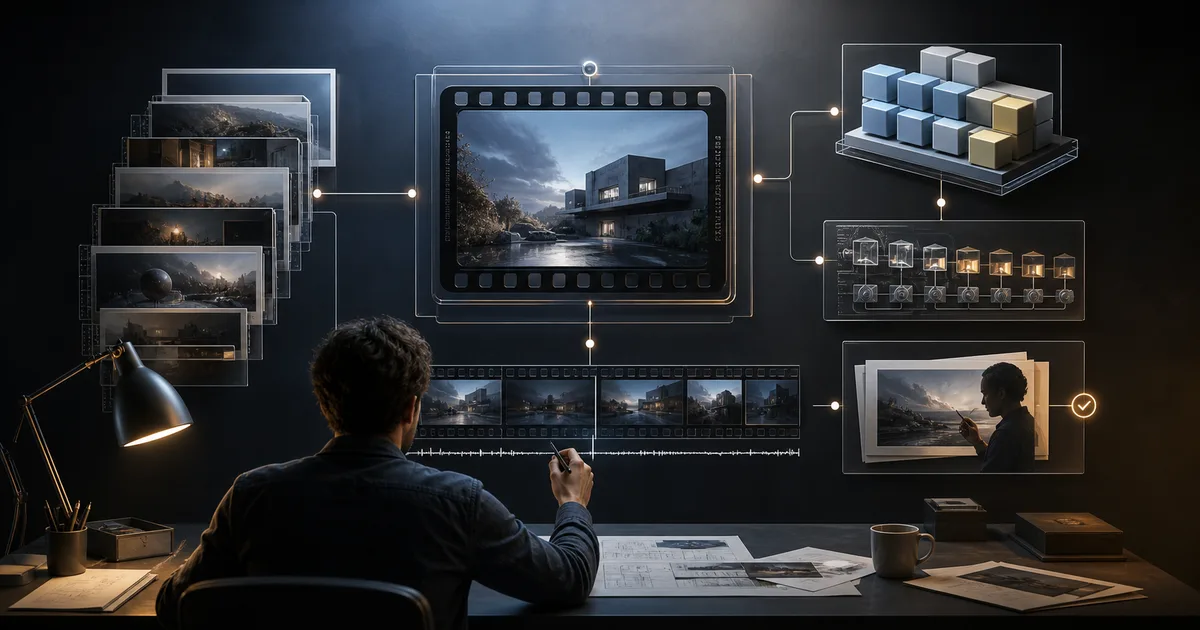
The most useful question about public Seedance 2.5 demos is not “which video looks best?” It is which product behaviors are repeated often enough to justify an interface, data model, and test plan. We reviewed the 12 examples currently published in the Seedance25API prompt library and mapped each one to a developer job: prompt planning, reference management, long-running job orchestration, review, or controlled editing.
The result is a practical shortlist. A developer can build a shot-planning workspace, a reference manifest, an asynchronous review queue, and a provider adapter alongside the live Seedance 2.5 route. The examples do not establish latency, pricing, success rate, or production consistency. Those require repeated live calls against the documented route.
This analysis is based on public showcase material, not on claims that Seedance25API generated the outputs. Seedance25API is independent and recommends EvoLink as a third-party API provider; neither property is affiliated with ByteDance.
Publication update on August 7, 2026: the official Seedance 2.5 API and the EvoLink route are live. EvoLink documents three workflow model IDs (text-to-video, image-to-video, reference-to-video), a 4–30 second range, 480p/720p tiers, and the reference-to-video split of 30 images / 10 videos / 10 audio files; check the current price in the EvoLink console. None of that turns curated showcase examples into API benchmark data.
How the 12 examples were analyzed
The dataset contains 12 public examples stored in the site’s prompt library. For each example, we recorded the visible workflow mode, prompt structure, stated duration, number of references, reference notes, and the editorial explanation of why the example matters.
We then coded each example against six product questions:
- Does the workflow start from text only or from reference media?
- Is time expressed as an ordered timeline?
- Is there a persistent identity, product, object, or camera rule?
- Does the prompt describe one continuous move or a sequence of scenes?
- Is the job generative, tutorial-like, or an edit of existing video?
- What must a human review before the result can be accepted?
Exactly six examples are presented as text-only workflows and six use one or more references. That balanced sample is useful for product discovery, but it is not a random sample of model behavior. The collection was selected to demonstrate capabilities, so it is biased toward successful, visually distinctive outputs.
One showcase example is presented as 33 seconds, but the live EvoLink launch limit is 4–30 seconds. Showcase environments and provider APIs can expose different capabilities. Developers should use the site’s integration schema, keep every limit configurable, and reject out-of-range requests before submission.
The developer feature map
The examples support five credible product directions. “Credible” here means the public material demonstrates a user workflow worth designing—not that a production API has passed reliability testing.
| Product feature | Evidence in the 12 examples | Required product inputs | What still needs live verification |
|---|---|---|---|
| Shot planner with timed beats | Steampunk sequence, product tutorial, brand films | Prompt blocks, timeline, camera verb, constraints | Timing adherence across repeated calls |
| Reference library and manifest | Tracking shot, product tutorial, 17-reference film, biscuit commercial | Media URLs, roles, ownership, validation state | Accepted formats, transfer failures, final limits |
| Long-job review queue | 26–33 second showcase workflows and 30-second narratives | Async job, progress, reviewer status, output version | Latency, timeout policy, callback reliability |
| Product/identity consistency workflow | Crystal-ball anchor, product tutorial, biscuit commercial | Identity set, product views, invariant list | Consistency rate and number of attempts needed |
| Controlled video edit request | Jungle edit example | Source video, preservation rules, requested change | Route availability and edit-specific API fields |
This map is more valuable than a feature checklist because it distinguishes interface evidence from production evidence. A showcase can justify building a timeline editor. It cannot justify promising a completion time or an acceptance rate.
Feature 1: a prompt-to-shot planning workspace
Several examples are written less like prompts and more like compact production documents. The steampunk film divides 30 seconds into three ten-second beats. The coffee-machine tutorial assigns actions to second-level ranges. The brand examples define a global visual contract before describing individual scenes.
That pattern suggests a developer-facing feature with four structured layers:
{
  "global_style": {
    "grade": "warm cinematic daylight",
    "camera_rule": "smooth forward movement",
    "negative_constraints": ["no jump cuts", "no text overlays"]
  },
  "beats": [
    { "start": 0, "end": 5, "action": "establish product", "camera": "slow dolly in" },
    { "start": 5, "end": 10, "action": "show installation", "camera": "overhead close-up" }
  ],
  "references": [],
  "acceptance": ["product remains recognizable", "actions occur in order"]
}
The application can render that structure into a provider request later. The durable product value is not a large text box; it is versioned planning data. A team can compare prompt versions, enforce duration budgets, lint contradictory camera instructions, and attach review criteria before spending on a generation.
The prompt library provides the public examples behind this pattern. The request builder is the natural place to test how structured inputs become a draft request.
Feature 2: a reference manifest instead of an upload pile
The reference-heavy half of the sample shows why “upload files” is not an adequate product model. References serve different jobs: character identity, wardrobe, product appearance, location, camera motion, audio rhythm, or a source clip that must be preserved.
A production application should store those roles explicitly:
| Manifest field | Why the application needs it |
|---|---|
asset_id and immutable version | Reproduce the exact request later |
media_type | Route validation by image, video, or audio |
role | Distinguish identity, product, scene, motion, rhythm, or source |
subject_id | Keep multiple characters or products separated |
rights_status | Block unapproved brand, likeness, or licensed media |
validation_status | Prevent an inaccessible or invalid URL from entering a job |
expires_at | Detect signed URLs that may expire before provider ingestion |
The 17-reference one-shot is useful because it demonstrates orchestration pressure: when many files participate, a failure cannot be debugged from filenames alone. The developer needs a manifest, request snapshot, and the ability to disable one reference group at a time.
The safe workflow is progressive: establish the prompt-only composition, add identity references, add motion references, then add audio. This is not a claim that every output improves in that order. It is an engineering strategy that reduces the number of variables changed between attempts.
Feature 3: asynchronous jobs with review as a first-class state
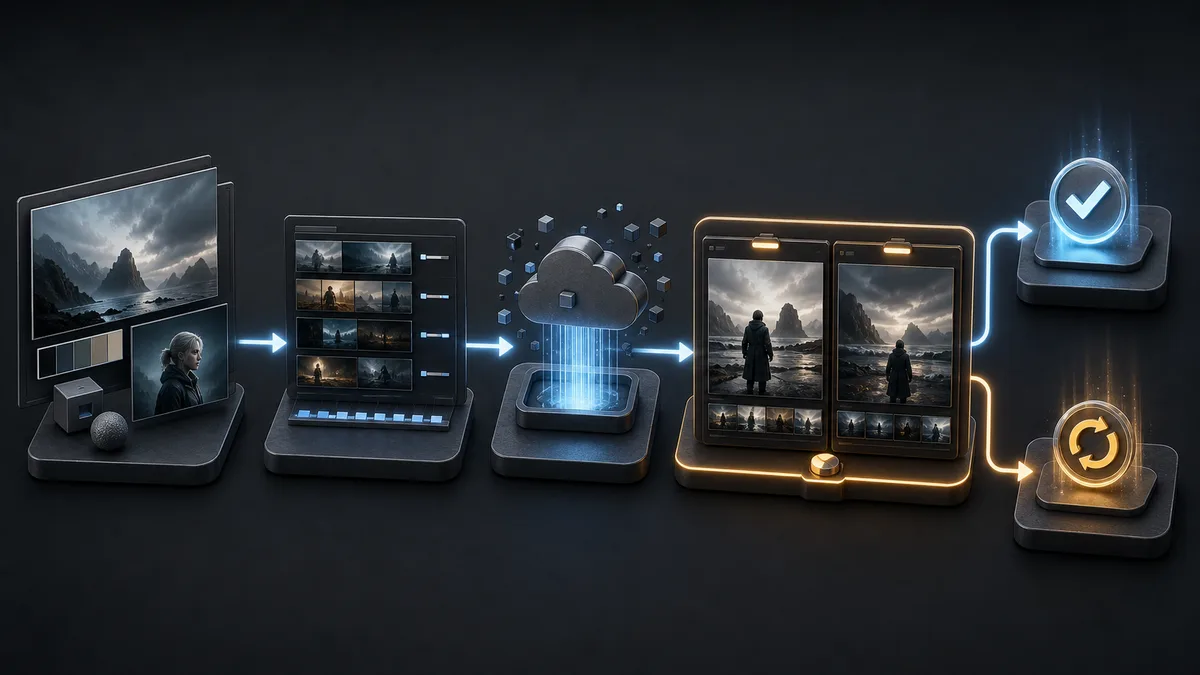
Long-form video generation should never be modeled as a blocking HTTP request. The site’s current API quickstart describes an asynchronous job contract with pending, processing, completed, and failed states. The examples add a product lesson: completed is not the same as accepted.
A useful application state machine needs a review layer after provider completion:
draft
  -> submitted
  -> provider_pending
  -> provider_processing
  -> generated
  -> needs_review
  -> accepted | rejected | revision_requested
Why add those extra states?
- A technically completed output may violate identity or product constraints.
- A tutorial may show the right steps in the wrong order.
- A continuous shot may hide an unintended cut.
- An edit may change something listed in the preservation rules.
- A reviewer may approve the video but reject its audio.
This separation also improves cost analysis. The economically useful unit is not “completed job”; it is “accepted output.” Store attempts and reviewer decisions so the team can later calculate cost per accepted video rather than relying on the provider’s unit price.
Feature 4: invariants for identity and brand control
The crystal-ball example keeps one object centered and sharply focused while the surrounding environment changes. The controlled-edit example begins with a preservation list before naming the requested modification. These are two versions of the same product primitive: invariants.
An invariant is a condition that should survive every beat or edit:
- the same person and wardrobe;
- the exact product geometry and package colors;
- a fixed anchor object and screen position;
- the source video’s camera path and duration;
- a “no cuts” rule;
- a specific aspect of the scene that must not be edited.
Instead of hiding these requirements inside prose, expose them as a reviewable list. The application can then render them into the prompt and show the same list to the human reviewer. That creates a clean chain from intent to request to acceptance.
Feature 5: controlled editing should be a separate workflow
The controlled jungle edit is the only example in this 12-item sample centered on modifying an existing clip. Its prompt follows a preservation-first structure: keep the character, environment, camera, composition, action pacing, and duration; then add a specific energy-bow effect.
That workflow should not be squeezed into the same UI as text-to-video. It needs:
- a required source video;
- a structured preservation list;
- a narrowly scoped change request;
- optional visual references for the new element;
- side-by-side source/output review;
- an acceptance check for both preservation and change accuracy.
The public example justifies that product shape. It does not confirm that EvoLink exposes a Seedance 2.5 edit route. Treat controlled editing as a feature flag until live provider documentation confirms the route and request fields.
What to build first
The best MVP is the one that creates durable value independent of any single model route. That favors planning, storage, and evaluation over model-specific controls.
| Priority | Build now | Why it survives an API change |
|---|---|---|
| 1 | Versioned shot brief and timed beats | Provider-neutral product data |
| 2 | Reference manifest with roles and rights state | Useful for every multimodal video provider |
| 3 | Async job and human-review state machine | Required for any long-running generation API |
| 4 | Request adapter with configurable model and limits | Isolates workflow fields from the product |
| 5 | Evaluation set seeded from representative workflows | Enables controlled launch-day comparison |
| Wait | Provider-specific edit controls and final limit UI | Route and limits remain subject to verification |
This ordering also gives a team a useful fallback. Exercise the planning, job, and review layers on the live Seedance 2.5 route while retaining Seedance 2.0 for rollback. If a workflow-specific model changes, the adapter changes; the product does not need to be rebuilt.
What the examples do not prove
Curated examples are strong evidence of product possibilities and weak evidence of production reliability. They do not answer:
- How often the same request produces an acceptable result.
- How latency changes with duration, references, resolution, or queue load.
- Which requests fail before job creation versus during generation.
- Whether callbacks arrive once, more than once, or not at all.
- What a completed, rejected, or failed attempt costs.
- Whether showcase resolution and duration match a provider API account.
- Whether a showcase workflow maps one-to-one onto a documented workflow ID.
Do not turn these unknowns into estimates presented as facts. Turn them into live tests.
Convert the examples into a live evaluation set
Choose four workflow slices rather than copying all 12 prompts:
- Prompt-only timeline: three ordered beats with explicit camera verbs.
- Identity and product references: a small manifest with clear invariants.
- Continuous motion: a single move with a no-cuts constraint.
- Controlled change: a source clip, preservation list, and one requested edit—only if the route supports it.
For every slice, save the request version and score the output on instruction order, identity, motion, visual defects, audio, and overall acceptance. Record attempts, latency, usage, and failure reason. The result is a workload-specific evaluation harness, not a beauty contest.
Use the examples to design the product and the test—not to promise production performance. Start with the full prompts in the public library, shape one workflow in the request builder, and use the live Seedance 2.5 quickstart on the API page. Begin with a short call and keep Seedance 2.0 as rollback.
Sources and methodology
- Seedance25API prompt library — the 12 examples analyzed on this page.
- EvoLinkAI Seedance 2.5 public example repository — prompt and media provenance referenced by the local dataset.
- Official Dreamina Seedance 2.5 product page — product-channel showcase; it does not define an EvoLink provider API contract.
- EvoLink Seedance 2.5 access page — current EvoLink route status and API fact boundary.
- Seedance25API integration schema — a site-authored live integration aid; EvoLink documentation remains authoritative.
Methodology note: this article classifies a curated public sample. It does not claim independent generation, statistical model performance, or verified Seedance 2.5 API behavior.